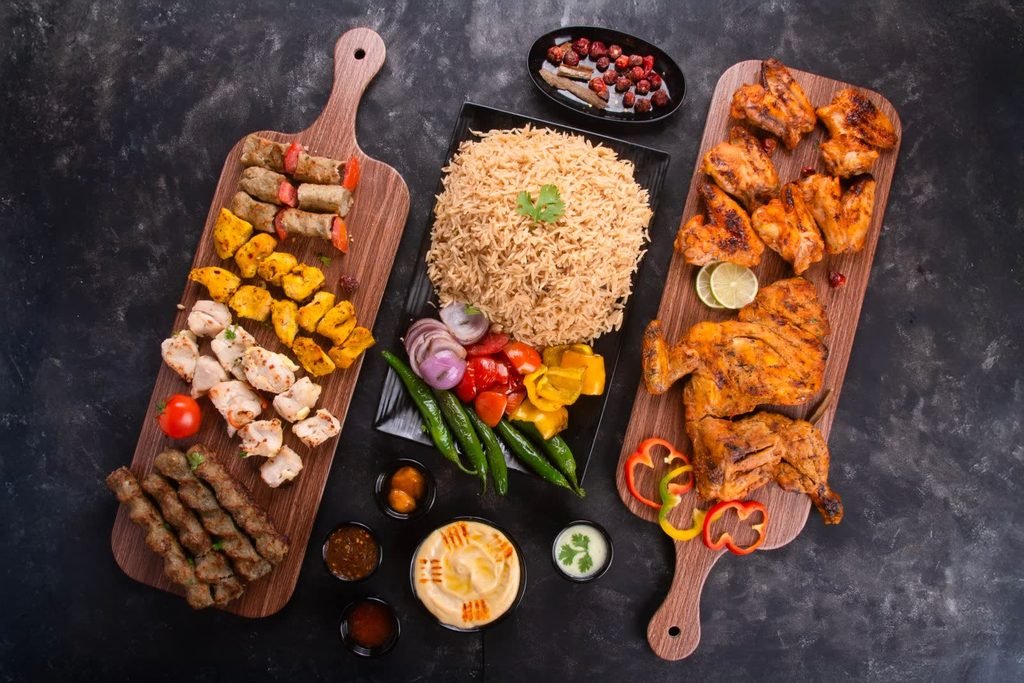
Every delivery app in the UAE wants photos of your food, and only some of them say exactly what they will accept. This is a reference page rather than a how-to: what Deliveroo, the menu integration service Deliverect and Talabat actually publish about menu images, what Careem Food and noon Food leave unsaid, and the one export that satisfies all of them. Every rule below was checked against the platforms' own pages on October 7, 2026.
If you would rather have the set shot for you, that is what our delivery app menu photography service does. If you are shooting it yourself, our guide on how to shoot menu photos that sell on Talabat, Deliveroo and noon covers light, angles and styling.
The short answer: export to Deliveroo's specification
Deliveroo publishes the most specific image rules of any delivery app operating in the UAE, and Deliverect's guidelines add the tightest file-size limit. A set that meets both is the safest set to upload anywhere, including on the apps that publish nothing:
- Item images in landscape, exported at 1920 x 1080 pixels (16:9), one dish centred with space on every side
- A 1:1 square crop of every item image, checked by eye
- One hero image per brand with at least five different dishes, nothing cut by the frame edge
- JPEG files in sRGB, each under 4 MB, named exactly as the item appears on the app
- Real photographs of your own food: no AI, no stock, no text, hands or watermarks
Delivery app photo requirements compared
Checked October 7, 2026. "Not published" means we could not find a public specification from that company on that date.
| Platform | Hero or cover image | Menu item image | File rules | Source |
|---|---|---|---|---|
| Deliveroo | At least 1920 x 1080 px; must work in the 16:9 layout and the new 3:2 Store Page; at least 5 different dishes | At least 1200 x 675 px, landscape, one dish centred; the platform crops it to 1:1 | JPEG, up to 8 MB | Deliveroo Help Centre |
| Deliverect (menu integration) | Not specified separately | 1920 x 1080 px recommended, landscape 16:9; only the item, about three quarters of the frame | JPEG; maximum 4920 x 3264 px and 4 MB | Deliverect help centre |
| Talabat (UAE) | Not published | Not published | Not published | UAE partner page |
| Talabat (Egypt page) | Many dishes or the main dish, wide angle; no text over the meal, no cropped item; not on a white or grey background | Landscape; image name should match the item name; no raw food images | Not published | Egypt partner page |
| Careem Food, noon Food, Keeta | Not published | Not published | Not published | No public partner specification found |
Deliveroo: the rulebook to build around
Deliveroo's help centre article How to upload your own photos in Menu Manager, dated September 2, 2026, is the most complete public rulebook any delivery app in the UAE offers, and it links Deliveroo's partner terms for the UAE.
Hero images
A hero must be at least 1920 x 1080 pixels and must work across both the current 16:9 layout and the new 3:2 Store Page layout. It needs at least five different dishes, taking up "the majority of the shot" with only a small margin at the top, bottom and sides. Keep the main food centred and nothing important near the edges: if the 3:2 layout trims the sides of a 1920 x 1080 image, it loses 150 pixels from each one.
Menu item images
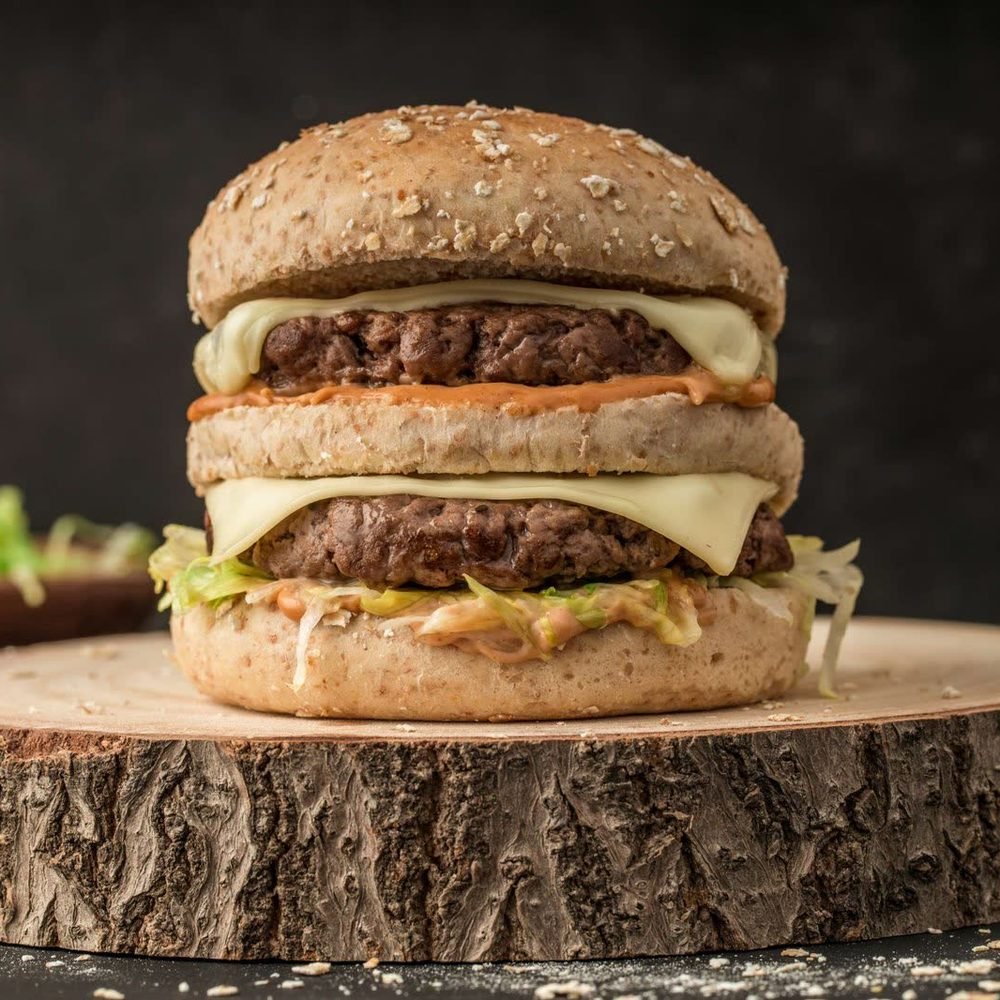
Item images must be at least 1200 x 675 pixels, landscape, with "one dish in the centre of the photo". Because Deliveroo crops item images to a 1:1 ratio, the entire dish has to be in shot "with sufficient space", and images where the dish is no longer recognisable after cropping are refused. The shot must be in focus, "without visible grain". For stackable items such as burgers, sandwiches, cakes and drinks, Deliveroo suggests a side-on, 45 degree angle.
File rules
JPEG only, up to 8 MB, landscape orientation. Deliveroo also recommends labelling each image with the correct dish name so its team can match photos to your menu quickly.
What Deliveroo will not accept
- AI-generated images. The article is blunt: "AI-generated images are not permitted on Deliveroo."
- Hands, faces, text, watermarks, or raw ingredients placed around the dishes. Raw ingredients are only allowed if they do not feature prominently and are clearly not part of the advertised dish.
- Collages and overly photoshopped images.
- Images taken from stock image websites or search engines, unless you hold the rights.
Deliverect: 1920 x 1080 and a 4 MB ceiling
Deliverect, an integration service that pushes one menu to several apps, publishes guidelines for menu images that summarise the general rules the delivery platforms apply.
Its recommended resolution is 1920 x 1080 pixels, landscape 16:9, and Deliverect says that resolution "may differ from the minimum requirements of some channels but will guarantee their approval". The maximum it accepts is 4920 x 3264 pixels with a 4 MB size limit, and JPEG is the format most channels support.
Each image must feature only the item it represents, with "no packaging, decorations, people, hands". Images cannot include text. The item should fill about three quarters of the image, centred, with whitespace at each side, "as platforms usually display squared images when showing the whole menu". Stock images are not allowed.
Deliverect also spells out what ignoring the rules costs: images that do not display on some or all channels, a menu that stops updating on some or all platforms, and warnings that, if repeated, may lead to a cancellation of service.
Talabat: no published photo size for UAE partners
Talabat's UAE partner page covers documents, commission, delivery radius and its DineOut feature. It says nothing about photos: no pixel sizes, no ratio and no file limit (checked October 7, 2026). Any pixel size you see quoted for Talabat on third-party sites, 1000 x 1000 included, does not come from Talabat.
The closest thing Talabat publishes is on its Egypt partner page, under the question "What are the specifications for a cover photo?". The cover photo "must be good quality with many dishes or main dish, it should be wide angle", it cannot contain text over the meal or a cropped item, and it "can't be on white or grey background". Menu images "must be in landscape mode", the item name and image name should match, and raw food images are not accepted except from fresh meat and fish shops.
That page is written for partners in Egypt, so read it as a signal of how Talabat reviews images rather than as a UAE rule. Two points are worth acting on anyway. Shoot the hero on a coloured or natural surface such as wood, stone or tile, which satisfies Talabat's line on white and grey and Deliveroo's call for a simple, uncluttered background at the same time. And name every file after its menu item, which both companies recommend.
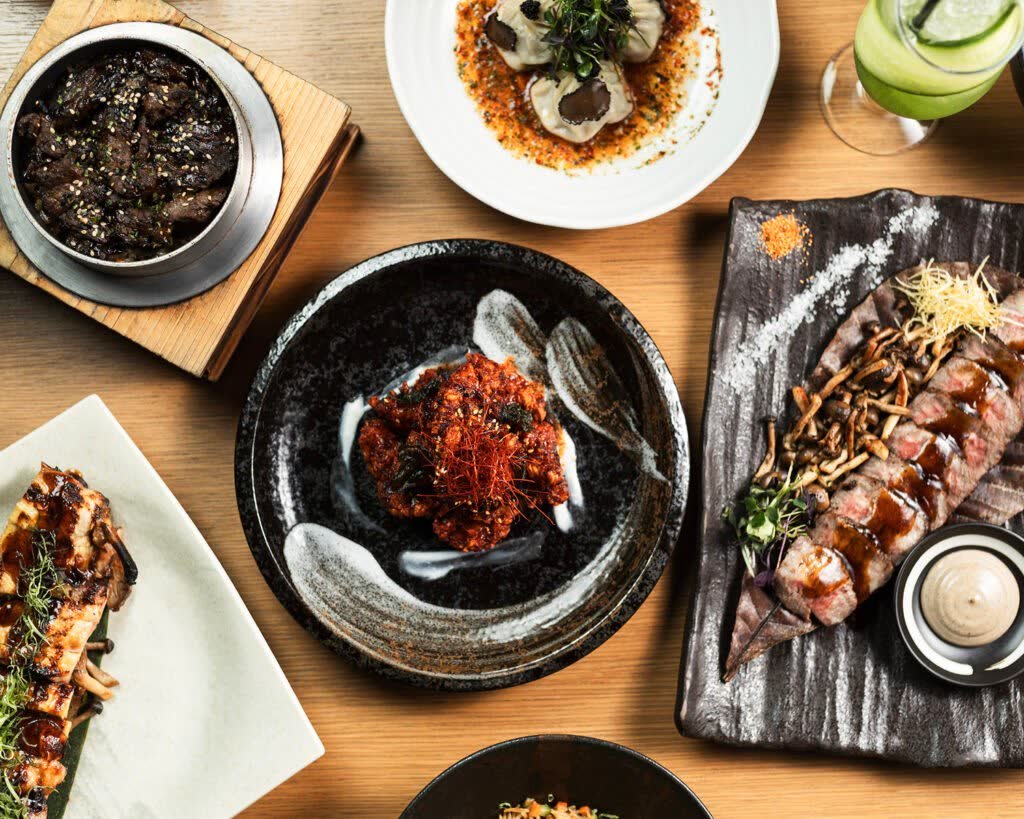
Careem Food, noon Food and Keeta: no public image specification
Careem Food and noon Food publish no image specification for restaurant partners that we could find (checked October 7, 2026). Neither does Keeta, which Meituan launched in Dubai in September 2025 and which now operates across all seven emirates. If anyone quotes you an official "Careem size" or "noon Food size", ask where it is published.
Packaged products sold on noon's marketplace are a different job with retail conventions of their own, covered in our guide to Amazon.ae and noon listing photography.
For all three, upload the universal export below and keep the masters, so a different request from an onboarding team means a re-export, not a reshoot.
The universal safe export, step by step
This is the export we recommend and deliver on our own delivery menu shoots. It meets every rule quoted above at once.
- Shoot a landscape master of every item with nothing in frame but the dish, centred and filling about three quarters of the frame, with clear space at both sides.
- Export each item at 1920 x 1080 pixels (16:9). That clears Deliveroo's 1200 x 675 minimum and matches the resolution Deliverect recommends.
- Cut a 1:1 crop of each item from the centre of the master and check it by eye. A 1920 x 1080 frame cropped to a square keeps the central 1080 x 1080 and drops 420 pixels from each side, so anything in those side bands disappears.
- Save every file as a JPEG in sRGB under 4 MB: Deliveroo allows 8 MB, but Deliverect caps files at 4 MB.
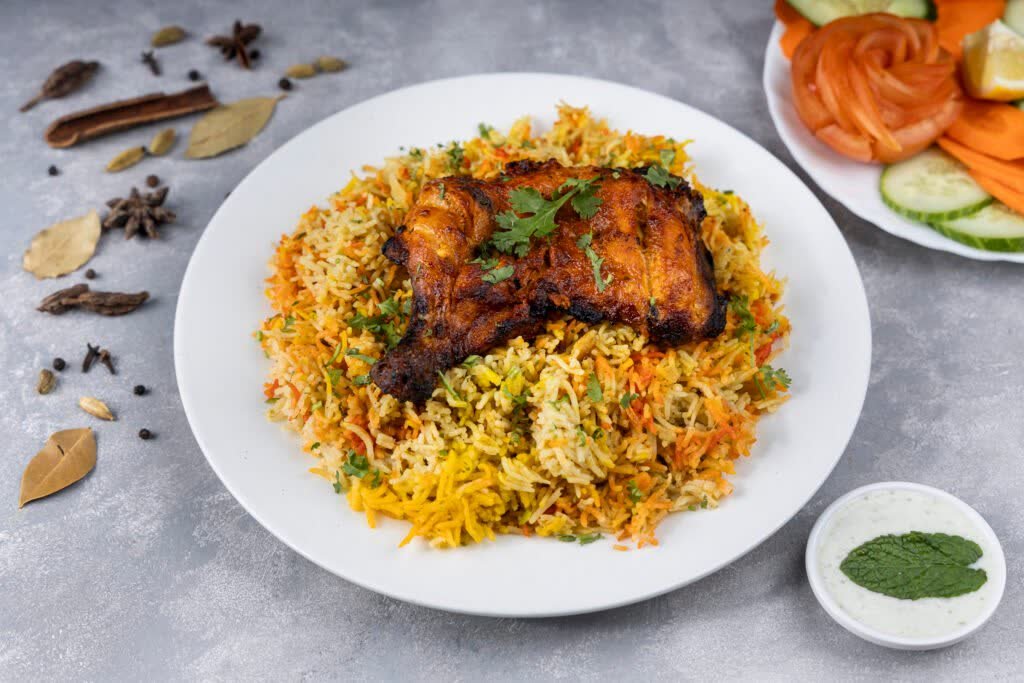
- Name each file exactly as the item appears on the app, for example chicken-biryani-16x9.jpg and chicken-biryani-1x1.jpg.
- Shoot one hero image per brand with at least five different dishes, centred, nothing cut by the frame edge, on a coloured or natural surface. Export it at 1920 x 1080 and check it still works with 150 pixels trimmed from each side, as a 3:2 crop would. Multi-brand kitchens need a separate set per brand, as our cloud kitchen branding page explains.
- Keep the masters. Every re-export, new platform or rejected upload starts from them.
Why delivery menu photos get rejected
Deliveroo lists the most common reasons item images are rejected:
- a cluttered background
- a blurry image
- poor colour saturation
- ingredients shown instead of the dish itself
- a person visible in the image
- obvious signs of image editing
- poor lighting
- text or imagery overlaid
- poor framing, where the item is not fully visible, does not fill enough of the frame, or is not centred enough
In our experience most of these failures come from reusing photos made for another job: a styled Instagram frame with props, scattered ingredients and moody light can be a strong post and still fail a platform check. Our article on how delivery app visuals decide who orders explains why that gap costs sales.
Re-uploading after a rejection without losing the listing
- Read the reason. Deliveroo shows a reason and guidance for each rejected item photo; some images go to manual review instead.
- Decide whether it is an export fault or a photography fault. Size, format, crop and file-name problems need a re-export from the master; clutter, lighting, framing and visible editing need a reshoot.
- Fix the file and keep its name matched to the menu item, so the new image lands on the right dish.
- Upload, then publish. On Deliveroo an approved photo only appears once you save and publish the menu.
- Log the change: item, platform, date and file name, so an old photo does not creep back the next time someone edits the menu.
Where Deliveroo offers an enhanced version of a rejected image, compare it with the real dish before accepting it. The photo still has to match what leaves your kitchen.
Frequently asked questions
What size should delivery app menu photos be in the UAE?
Export every menu item at 1920 x 1080 pixels, landscape 16:9, which clears Deliveroo's 1200 x 675 minimum and matches the resolution Deliverect recommends. Make the hero image 1920 x 1080 as well, the minimum Deliveroo sets for heroes. Talabat (for UAE partners), Careem Food and noon Food publish no pixel sizes, so this one export is the safe choice for every app.
Does Talabat have an official photo size?
Not for UAE partners. Talabat's UAE partner page publishes no pixel sizes, ratio or file limit (checked October 7, 2026). Its Egypt partner page asks for landscape menu images and a wide cover photo with many dishes, no text over the meal, no cropped item and no white or grey background, but gives no dimensions. Any pixel figure quoted for Talabat elsewhere does not come from Talabat.
Does Deliveroo accept AI-generated food images?
No. Deliveroo's help centre states that "AI-generated images are not permitted on Deliveroo" and asks partners to upload only authentic images of the food they sell. It also turns down images from stock sites or search engines unless you hold the rights, and lists obvious signs of editing as a common reason for rejection.
What file format and size do delivery apps accept?
JPEG is the safe format: Deliveroo accepts JPEG only, and Deliverect notes it is the format most channels support. Deliveroo allows files up to 8 MB, while Deliverect sets a 4 MB limit and a maximum of 4920 x 3264 pixels. Export in sRGB and keep every file under 4 MB, and it will clear both.
Why was my menu photo rejected?
The common causes, according to Deliveroo, are a cluttered background, blur, poor colour or lighting, text overlaid on the image, a person in the frame, obvious editing, and poor framing where the dish is not fully visible, too small or off-centre. Raw ingredients scattered around the plate are refused, and AI-generated images are not permitted. Read the reason given, then re-export or reshoot that dish.
Can one photo set work on every UAE delivery app?
Yes. Build it to Deliveroo's specification, add Deliverect's 4 MB file limit, and the same files can go to Talabat, Careem Food, noon Food and Keeta, none of which publish their own pixel rules. Keep a landscape master of every dish so you can re-export quickly if one app's onboarding team asks for something different.
How often should delivery menu photos be updated?
Whenever a dish, its plating or its portion changes, and whenever you add an item. Our menu photo refresh guide gives delivery-only kitchens exactly that rule: update whenever a dish or platform listing changes. Ramadan and other seasonal menus need their own images each year, and any photo that no longer matches the plate should come down straight away.
Do I need a hero image as well as item photos?
Yes. The hero is the first photo customers see on your menu, and Deliveroo reviews it separately from item photos. It needs at least five different dishes and at least 1920 x 1080 pixels, and it must work in both the 16:9 layout and the new 3:2 Store Page. Item photos still need one dish each, because a hero cannot be cropped into a usable item image.
Where to start
Start by auditing your live listings: items with no photo, photos that no longer match the plate, and rejected uploads. Then shoot once and export everything from the same masters.
Our delivery app menu photography service shoots and exports the full set for kitchens in Dubai, Abu Dhabi and across the UAE, and the same files can feed your printed menu through our restaurant menu photography work. If you are still deciding scope, read how many dishes to photograph for a restaurant menu and compare our food photography packages, or contact us with your menu.
Disclaimer: This article shares general guidance based on Food On Focus Media's experience as a Dubai F&B creative agency. It is for information only and is not a substitute for advice tailored to your specific brand, menu or market.